Install the server on Linux
Updated 2026-10-26
Put the Sentinel server on a Linux machine, open the firewall, and sign in from your browser.
The Linux server suits an always-on machine: a mini PC, an old workstation or a Raspberry Pi 4 or 5. You watch from the browser, Sentinel Operator on a Mac or Linux desktop, or the iPhone app.
Pick a system
- Ubuntu Server 24.04 LTS is the recommended choice. Other systemd distributions, such as Debian 12, should work too.
- 64-bit only: x86-64 (Intel or AMD) or ARM64 (Raspberry Pi 4/5, ARM servers).
- 8 GB of RAM is comfortable for a handful of cameras with detection.
- An Intel CPU with integrated graphics can decode video on the GPU: install
intel-media-va-driver-non-freefirst and Sentinel uses it automatically.
Install
- Sign in at sentvms.com and download the Linux build for x86-64 or ARM64.
- Copy it to the machine, with
scpor a USB stick. - On the machine:
tar xzf sentinel-*-linux-*.tar.gz
cd sentinel-*-linux-*/
sudo ./install.sh
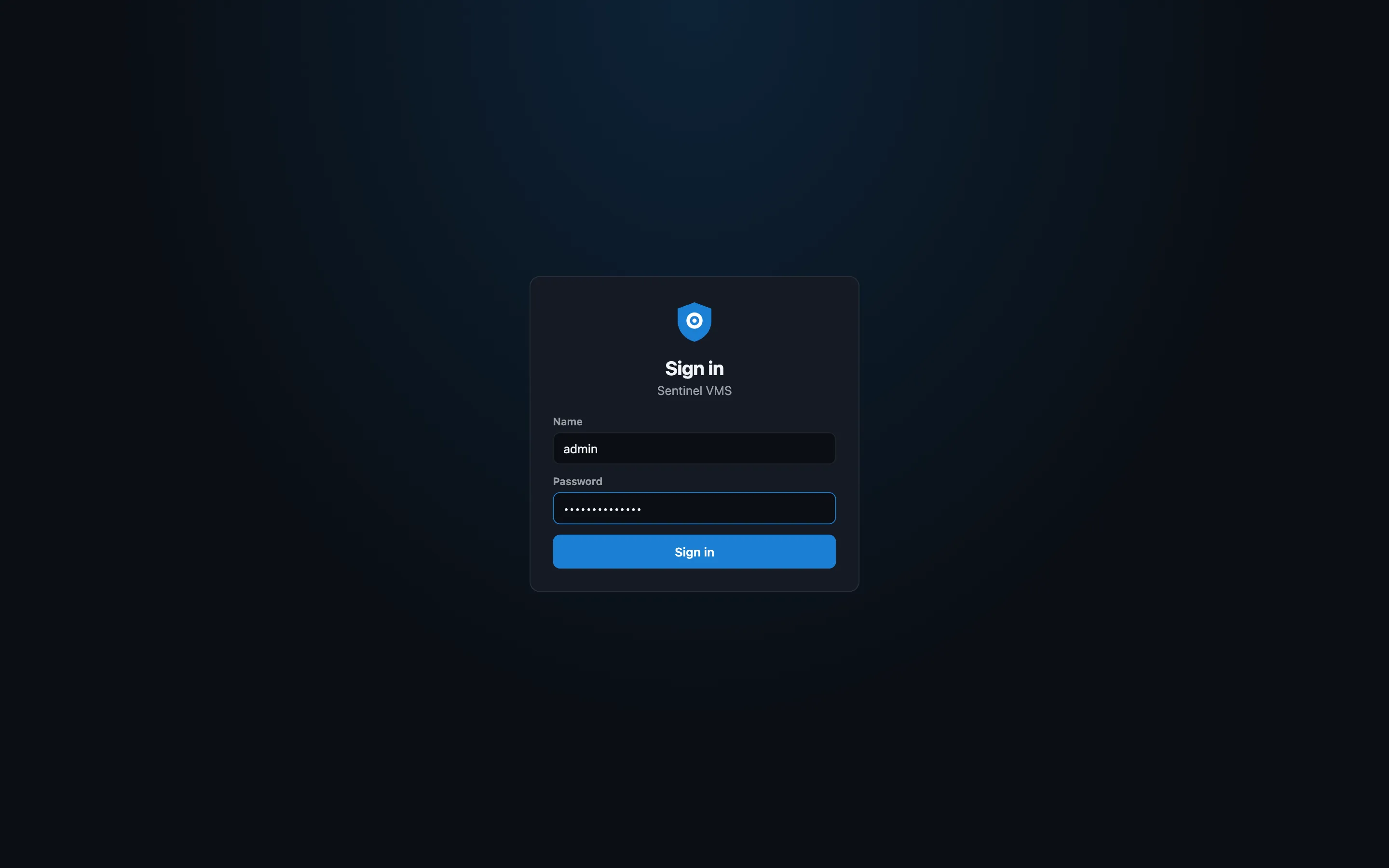
Then open http://<server-ip>:8090 from any computer on the network, for example http://192.168.1.20:8090, and create the administrator account. The page you land on is the full Operator.
Firewall
sudo ufw allow 8090/tcp
sudo ufw allow 18189
Port 8090 is the web Operator and Admin. Port 18189 (TCP and UDP) carries low-latency live video; without it live view still works, a few seconds behind.
Watch from a desktop
The browser is enough, but Sentinel Operator for Linux is also a download, as a .deb or an AppImage for x86-64 and ARM64. It has the same rail and tabs as the browser, plus desktop alarm notifications and a tray icon. Closing its window hides it to the tray.
Or run it in Docker
If you already run Docker, you can skip the install steps above. The image includes everything Sentinel needs, for both Intel and ARM machines.
docker run -d --name sentinel --network host -e TZ=Etc/UTC -v sentinel-data:/data --restart unless-stopped ghcr.io/hackgiz/sentinel-vms:3.6.1
Then open http://<server-ip>:8090 and create the administrator account. Use --network host on Linux: camera discovery and the iPhone pairing code depend on it. Set TZ to your time zone, for example America/New_York. Your data lives in the sentinel-data volume, and upgrades keep it: pull the new image, remove the container and run the same command again.
Day to day
| Task | Command |
|---|---|
| Status | systemctl status sentinel |
| Follow the log | journalctl -u sentinel -f |
| Restart | sudo systemctl restart sentinel |
| Data and recordings | /var/lib/sentinel |
The service runs as its own unprivileged sentinel user. To record to a bigger disk, see Recording modes and storage. Next: Add your cameras.
More guides, including Sentinel Cloud setup and users and roles, are in the knowledge base for signed-in users.